18
Open Port Checker: How to Check Open Ports Online (2026 Guide)
how an open port checker works, why ports get blocked, which ports to check, and whether port scanning is legal plus expert tips for safer networks.
You just tried to host a Minecraft server, and your friends can't connect. Or maybe your security camera app keeps timing out. Nine times out of ten, the culprit is a closed port. That's where an open port checker comes in — and this guide covers exactly how to use one, what the results mean, and how to keep your network safe while you're at it.
What Is an Open Port Checker?
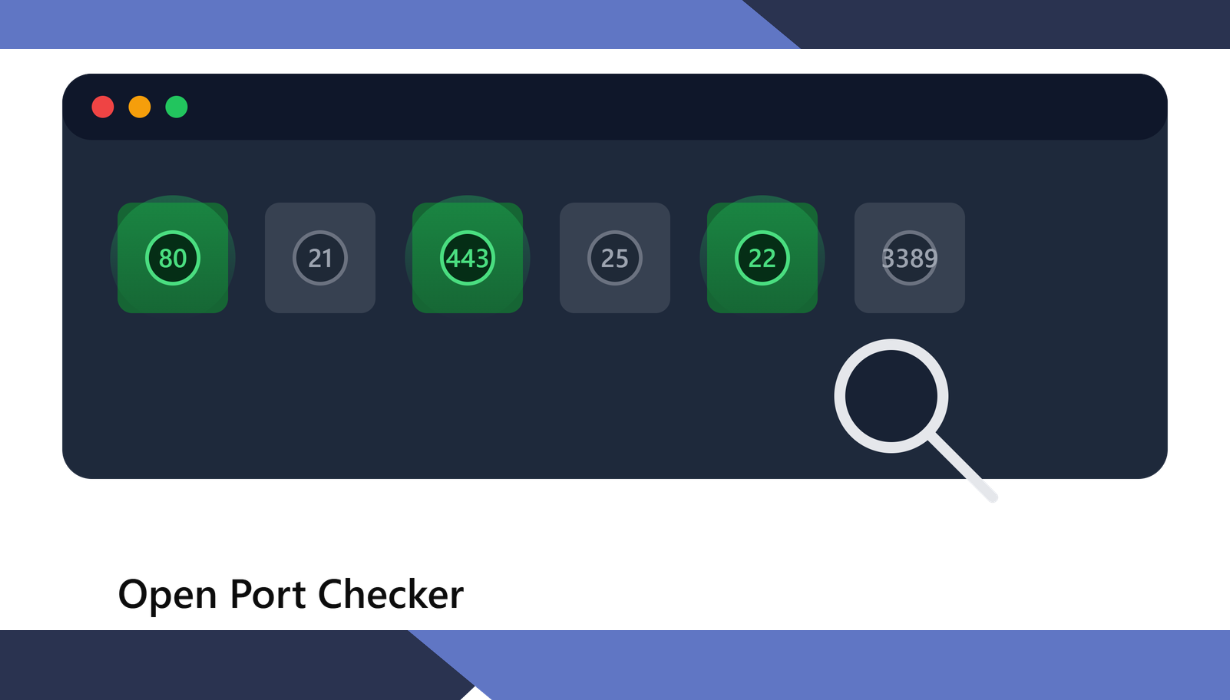
An open port checker is a free online tool that tests whether a specific port on your device, server, or router is reachable from the internet. It tells you if a port is open, closed, or filtered in seconds.
Think of your public IP address as a building and each port as a numbered door. An open port checker is the person standing outside, knocking on a specific door to see if anyone answers. If someone opens up, the port is "open." If nobody's home, it's "closed." If the door is bricked over by a firewall, it's "filtered."
Most people reach for this tool for one of two reasons: they're troubleshooting a connection problem, or they're auditing their own network for security gaps. Both are legitimate, everyday uses.
How Does an Open Port Checker Actually Work?
An open port checker sends a connection request to a specific port and waits to see how the target responds. A reply means the port is open; silence or a rejection means it's closed or blocked.
Technically, most tools initiate a standard TCP handshake — the same three-step process (SYN, SYN-ACK, ACK) your browser uses every time it loads a webpage. If the handshake completes, the port is open and something is actively listening on it.
If the connection is actively refused, the port is closed — there's no service behind that door at all. And if there's no response whatsoever within the timeout window, that usually means a firewall is silently dropping the packets rather than rejecting them outright.
That third outcome silence is often mistaken for "closed," but it's really its own category: filtered. A good checker will distinguish between the two rather than lumping them together.
Why Do Ports Even Exist in the First Place?
Ports exist so a single IP address can run dozens of different services at once without their traffic getting mixed up. Without them, your computer couldn't run email, a web server, and a game server on the same connection simultaneously.
If an IP address is the street address of a building, ports are the individual apartment numbers. The mail carrier (your network traffic) needs both to deliver the package to the right place.
Every TCP or UDP port number is a 16-bit unsigned integer, which is why the full range runs from 0 to 65,535 — that's 2^16 possible values, no more and no less. The Internet Assigned Numbers Authority (IANA) organizes this entire space into three tiers, and knowing them makes reading any port scan result far easier.
Well-Known Ports (0–1023)
These are reserved for the internet's oldest and most essential services, and only privileged system processes are supposed to bind to them. Port 80 (HTTP), port 443 (HTTPS), and port 22 (SSH) all live here.
Registered Ports (1024–49151)
IANA assigns these to specific applications and vendors on a first-come, first-served basis under RFC 6335. Many gaming and business applications register a port in this range — Minecraft's default server port, 25565, is a well-known example.
Dynamic or Ephemeral Ports (49152–65535)
These are never permanently assigned to anyone. Your operating system hands them out temporarily whenever you make an outbound connection, like when your browser opens a fresh source port to receive a webpage from port 443.
Which Common Ports Should You Actually Recognize?
A handful of ports show up in nearly every scan, and knowing what they do saves you a lot of guesswork. Here are the ones worth memorizing.
- Port 80 – Standard, unencrypted web traffic (HTTP)
- Port 443 – Encrypted web traffic (HTTPS), now the default for most modern sites
- Port 22 – SSH, used for secure remote server administration
- Port 21 – FTP, for file transfers (increasingly replaced by more secure protocols)
- Port 25 – SMTP, used to send outgoing email
- Port 3389 – RDP, for remote desktop connections into Windows machines
- Port 8080 – A common alternate HTTP port, often used for proxies and dev servers
Interesting side note: many consumer ISPs block port 25 by default, specifically to stop spammers and malware from using home connections to blast out unauthorized email. This has been standard industry practice for over two decades.
Why Should You Care Whether a Port Is Open?
An open port is a doorway, and every doorway is a potential entry point. Legitimate services need certain ports open to function, but an open port running an outdated or misconfigured service is exactly what attackers look for.
The SANS Institute has flagged port scanning as one of the most common techniques hackers use to find vulnerable, exploitable services before attempting a break-in. This isn't paranoia — it's step one of nearly every real-world intrusion.
Shodan, the search engine that specifically indexes internet-connected devices rather than webpages, makes this risk tangible. It has over 3 million registered users and continuously catalogs open ports, service banners, and software versions across billions of public IP addresses — including things that were never meant to be publicly reachable, like industrial control panels and security cameras.
That's not a reason to panic. It's a reason to check your own exposure before someone else does it for you.
How Do You Actually Check If a Port Is Open?
Open an online port checker, enter your IP address or domain, type in the port number, and click scan. You'll get a result — open, closed, or filtered — within a few seconds.
Most tools automatically detect your public IP address, so if you're testing your own connection, you often don't even need to type it in. If you're testing a different server, just paste its domain name or IP address into the field instead.
A few practical tips make this more useful:
- Test before and after changing router or firewall settings, so you know exactly what changed.
- Run the scan from an external tool, not from inside your own network — a port can look "open" locally while still being blocked from the outside world.
- Don't treat a single scan as gospel. Network conditions shift, so if something seems off, run it again a few minutes later.
TCP vs. UDP: Does the Checker Test Both?
TCP and UDP are two different transport protocols, and a port can be open on one while closed on the other. Good port checkers let you choose which one you're testing, or run both.
TCP is connection-based and reliable — it's what web browsing, email, and file transfers depend on because it confirms every packet arrived. UDP is connectionless and faster, which is why it's favored for DNS lookups, video streaming, and online gaming, where speed matters more than perfect delivery.
Because they're handled separately, port 53 over TCP and port 53 over UDP are technically two different endpoints — both used by DNS, just for different types of queries. This is a small detail, but it explains why a UDP scan and a TCP scan on the "same" port can return different results.
Which Ports Should Never Be Left Open to the Public?
A short list of ports are magnets for attackers and generally shouldn't be exposed directly to the internet unless absolutely necessary. Port 23 (Telnet), port 3389 (RDP), and port 445 (SMB) top that list.
Telnet transmits everything, including passwords, in plain text — it has no place on a modern public-facing network. RDP and SMB, meanwhile, have both been the entry point for major ransomware campaigns over the years, precisely because they're often left open by default on business networks.
If you genuinely need remote access to these services, the safer route is a VPN tunnel rather than a directly exposed port. That way the service itself stays hidden, and only authenticated VPN traffic can reach it.
Is Port Scanning Legal?
Scanning your own network or devices you own is completely legal and, frankly, good practice. Scanning someone else's systems without permission is a different story, and can cross into legally murky or outright illegal territory depending on your country and intent.
Most reputable online port checkers only scan the IP address or domain you explicitly submit, and they log this activity for abuse prevention. As a rule of thumb: if you don't own it and don't have written permission to test it, don't scan it.
How Can You Close Ports You Don't Need?
Start by identifying what's actually listening on your open ports, then disable or firewall off anything you don't recognize or actively use. Fewer open ports means a smaller attack surface, period.
On most routers, this means reviewing your port forwarding rules and removing anything left over from an old device or app you no longer use. On a server or PC, tools like netstat (Windows/Linux) let you see exactly which processes are bound to which ports before you decide what to shut down.
It's also worth checking this periodically, not just once. Software updates, new apps, and IoT devices all have a habit of quietly opening new ports without asking first.
Final Thoughts
An open port checker isn't just a troubleshooting gadget — it's a five-minute habit that can save you from a much longer, much worse day involving a hacked router or an exposed server. Whether you're setting up a game server, diagnosing a stubborn connection issue, or doing a routine security check, running a quick scan costs nothing and tells you a lot.
The bigger takeaway: know which ports you actually need open, keep everything else closed, and re-check every so often. The internet doesn't stop scanning your IP address, so there's no reason you shouldn't do it first.
Contact
Missing something?
Feel free to request missing tools or give some feedback using our contact form.
Contact Us