- Developer
- Goodnotes
- Installs
- 5M+
- Downloads
- 1
- Views
- 9
- Updated
- Oct 18, 2026
Screenshots
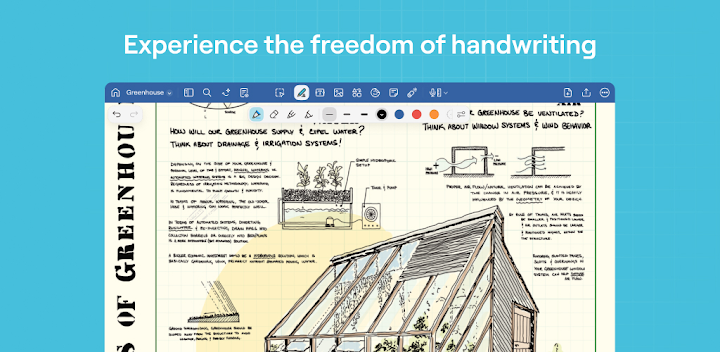
About Goodnotes: AI Notes, Docs, PDF
Paper notebooks are great until you have too many of them. Loose pages get lost, textbooks are heavy, and searching for one line you wrote last month can feel impossible. Goodnotes is a note-taking and PDF annotation app built to solve that. It lets you write by hand, mark up documents, and keep everything organized in one place. This guide explains what Goodnotes offers, who it suits, and what to know about its subscription before you start.
What Is Goodnotes?
Goodnotes is a digital note-taking app that lets you handwrite notes, annotate PDFs, and organize documents on large-screen devices. According to the developers, it works across Android, Windows, Chromebooks, and the web. The listing also says it was awarded a Google Play Best of 2025 award for Best App for Large Screens, which is the company's own claim.
Who Is Goodnotes For?
The app suits students, professionals, and anyone who prefers writing by hand but wants digital convenience. It works well for lectures, meetings, planning, and reading documents. If you use a tablet with a stylus, it can feel close to writing in a real notebook.
How Does Goodnotes Work?
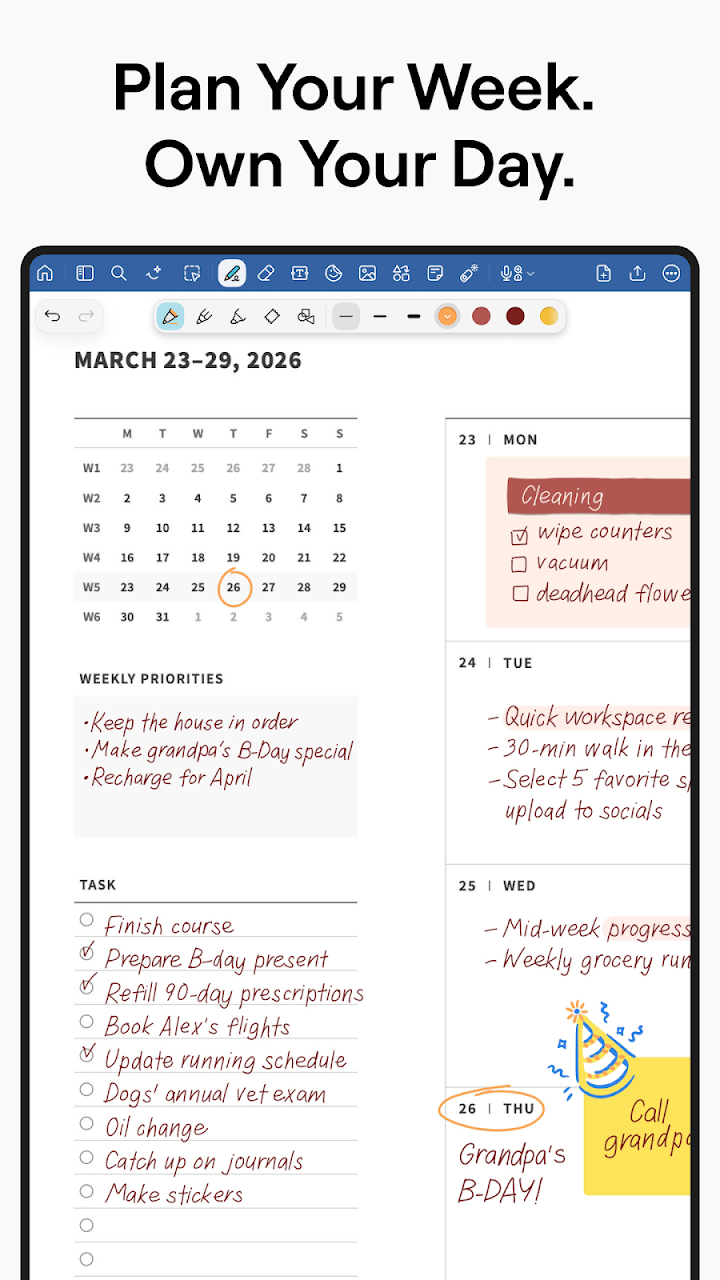
You create notebooks, whiteboards, or text documents and fill them with handwritten notes, typed text, or imported PDFs. Your notes can be organized in folders, searched later, and synced across devices. This makes it easier to move between a tablet at school and a laptop at home.
Three Ways to Work
- Notebooks: Good for daily planning and working with PDFs.
- Whiteboard: Useful for brainstorming and mind mapping.
- Text Documents: Made for fast typing and polished documents.
Handwriting and PDF Annotation
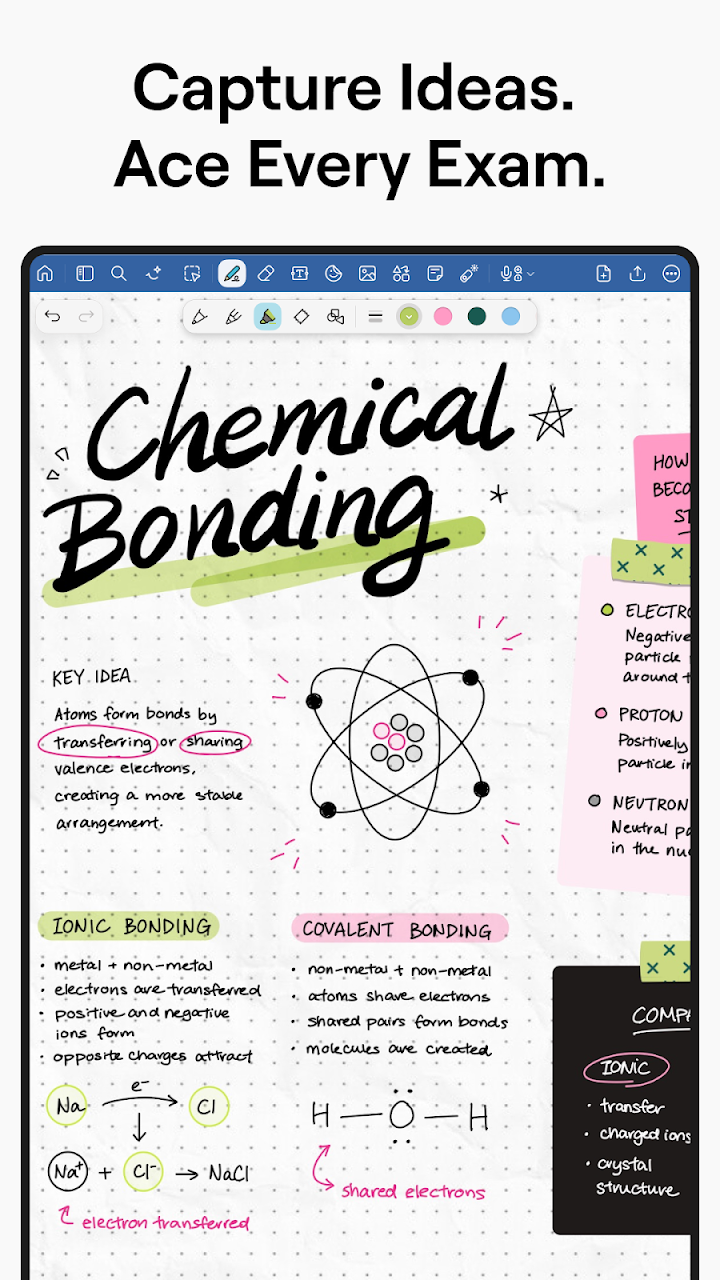
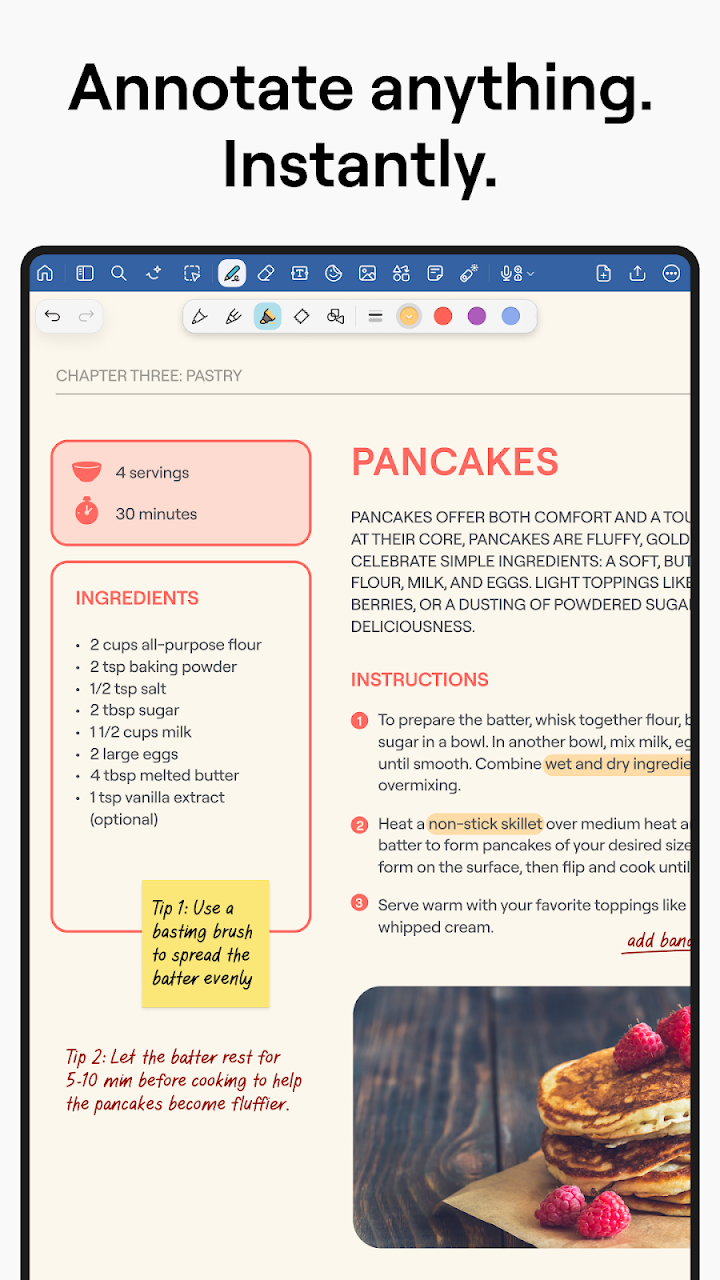
You can take handwritten notes with natural pen and highlighter tools. You can also import PDFs to fill out forms, sign documents, and mark up textbooks or reports. This is helpful for students reading course materials and professionals reviewing contracts or reports.
Search and Sync
The app lets you search both typed and handwritten notes, which saves time when you are looking for something specific. Notes sync automatically across devices, so your work stays up to date. It is a major advantage over paper, where one lost notebook can mean lost information.
Goodnotes AI
The app now includes AI features meant to help you work faster. According to the developers, you can summarize, rewrite, and edit notes with tone suggestions and smart corrections. You can also create first drafts quickly and ask questions about your notes to get insights.
Use AI Wisely
AI tools can save time, but it is smart to review the results before you rely on them. Check summaries against your original notes, especially for school or work. Think of the AI as an assistant, not a replacement for your own understanding.
Key Features at a Glance
- Handwriting tools: Pen and highlighter options that feel natural.
- PDF annotation: Fill forms, sign documents, and mark up pages.
- Unlimited folders: Organize notes, documents, and PDFs your way.
- Templates and personalization: Planners, covers, stickers, paper templates, and layouts.
- Design tools: Lasso tool, layering, shapes, and sticky notes.
- Cross-device access: Android, Chromebooks, Windows, and the web.
- Exporting: Save notes as PDFs to share, print, or email.
- Laser pointer: Present directly from your device.
For Students
Students can use Goodnotes to take lecture notes, annotate course PDFs, and organize everything in folders. The app supports sharing links to notebooks, documents, PDFs, and whiteboards, and lets classmates work together in real time. Templates for planning and journaling can also make studying more organized and personal.
For Professionals
Professionals can import PDFs to fill, sign, annotate, and mark up. They can also brainstorm on a whiteboard, collaborate in real time, and present with the built-in laser pointer. These tools help turn the app into a lightweight workspace for meetings and planning.
Subscription and Device Requirements
The listing says some highlighted features, including collaboration, sharing, and unlimited notebooks, require an active subscription. All new users get a 7-day free trial to explore the full range of features. Always check the trial terms and renewal details in the app store before subscribing.
Performance on Older Devices
The developers note that on older or entry-level devices, such as tablets with 4GB of RAM or less or basic Chromebooks, performance and functionality may be limited. If you have an older device, try the free trial first to see how it runs. A newer, more powerful tablet will usually give a smoother experience.
How to Get Started
- Download Goodnotes from your device's app store.
- Create your account and choose a notebook, whiteboard, or text document.
- Try the pen and highlighter tools with a stylus or finger.
- Import a PDF and practice annotating it.
- Set up folders to organize your subjects or projects.
- Start your 7-day free trial if you want to test premium features.
Tips for Better Note-Taking
Create a simple folder system before your notes pile up, such as one folder per class or project. Use templates to save time, and try different pens until you find one that feels natural. Search is powerful, so use clear titles and keywords in your notes to find things faster.
Common Mistakes to Avoid
- Not backing up or syncing important notes
- Forgetting that some features require a subscription
- Using the app on a very low-powered device without testing it first
- Relying on AI summaries without checking them
Pros and Cons
Pros
- Natural handwriting and PDF markup tools
- Works across several platforms
- Strong organization and search options
- Useful for both students and professionals
Cons
- Some key features need a paid subscription
- Performance may be limited on older devices
- May feel complex if you only need simple notes
Frequently Asked Questions
Which devices does Goodnotes support?
According to the developers, it works on Android, Chromebooks, Windows, and the web.
Is there a free trial?
Yes. All new users get a 7-day free trial to explore the full range of features.
Can I annotate PDFs?
Yes. You can import PDFs to fill forms, sign documents, and mark up pages.
Does Goodnotes have AI features?
Yes. It includes tools for summarizing, rewriting, drafting, and asking questions about your notes.
Final Thoughts
Goodnotes brings together handwriting, PDF annotation, and organization in a single app. It is especially helpful for students and professionals who want the feel of paper with the convenience of digital tools. Try the free trial, check how it performs on your device, and decide whether the subscription fits your needs.