- Developer
- MagisterApp - Educational Games for kids
- Installs
- 100K+
- Downloads
- 1
- Views
- 11
- Updated
- Oct 17, 2026
Screenshots
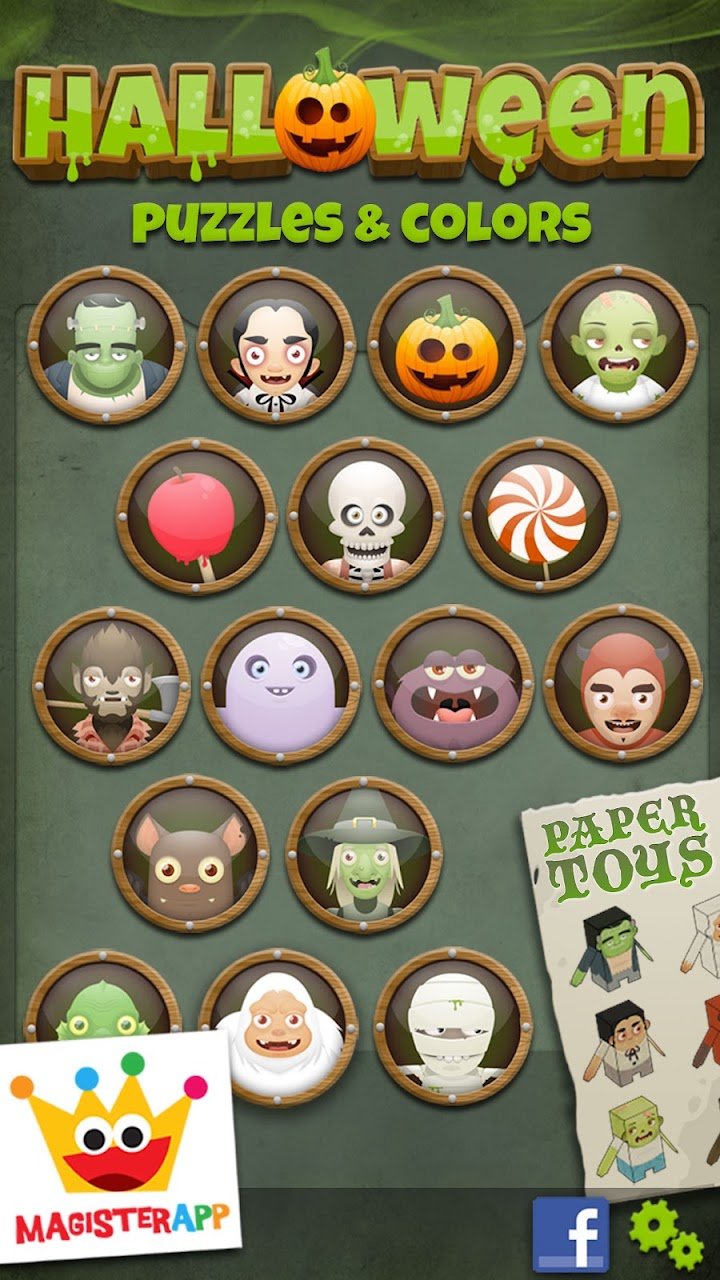
About Halloween - Trick or Treat
Halloween can be tricky for parents of very young children. You want to join the fun, but spooky themes are not always right for little ones. A gentle, friendly Halloween game can be a good middle ground. This guide looks at a Halloween kids game from MagisterApp that combines puzzles, coloring, and paper toys for toddlers, preschoolers, and kindergartners, and explains what parents should know before downloading it.
What Is This Halloween Kids Game?
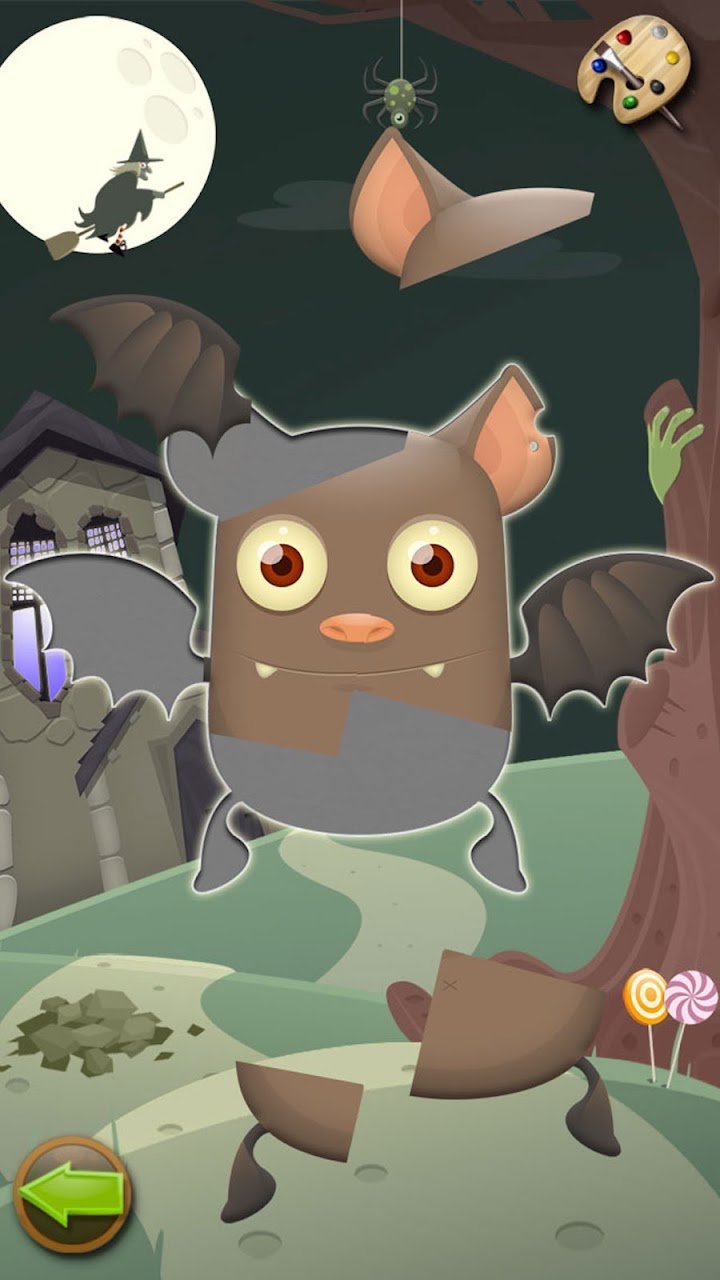
It is an educational game for young children that uses cute Halloween characters instead of scary ones. Kids can complete puzzles, color pictures, and create paper toys, all with sounds and interactive backgrounds. According to the developers, it is designed for toddlers, preschoolers, and kindergartners, and the game has been listed among top kids' Halloween games in 30 different states.
Who Is It For?
The game is aimed at young children who are just starting to explore shapes, colors, and simple problem-solving. It can also suit parents who want a calm activity for the holiday season. Since the format is easy and intuitive, even very young players can start without much help.
How Does the Game Work?
Children tap and drag to complete puzzles, choose colors for drawings, and discover things hidden in the background. Each activity gives quick feedback, which helps keep little ones interested. Sounds and interactive objects make the scenes feel lively and encourage curiosity.
Free Version vs Full Version
The free version includes 4 puzzles and 4 paper toys, which is a good way to see whether your child enjoys the game. The full version offers 16 puzzles and lets children color all the figures. If your child likes the free activities, upgrading may give more variety.
Key Features
- Halloween puzzles: Puzzles with sounds and interactive backgrounds.
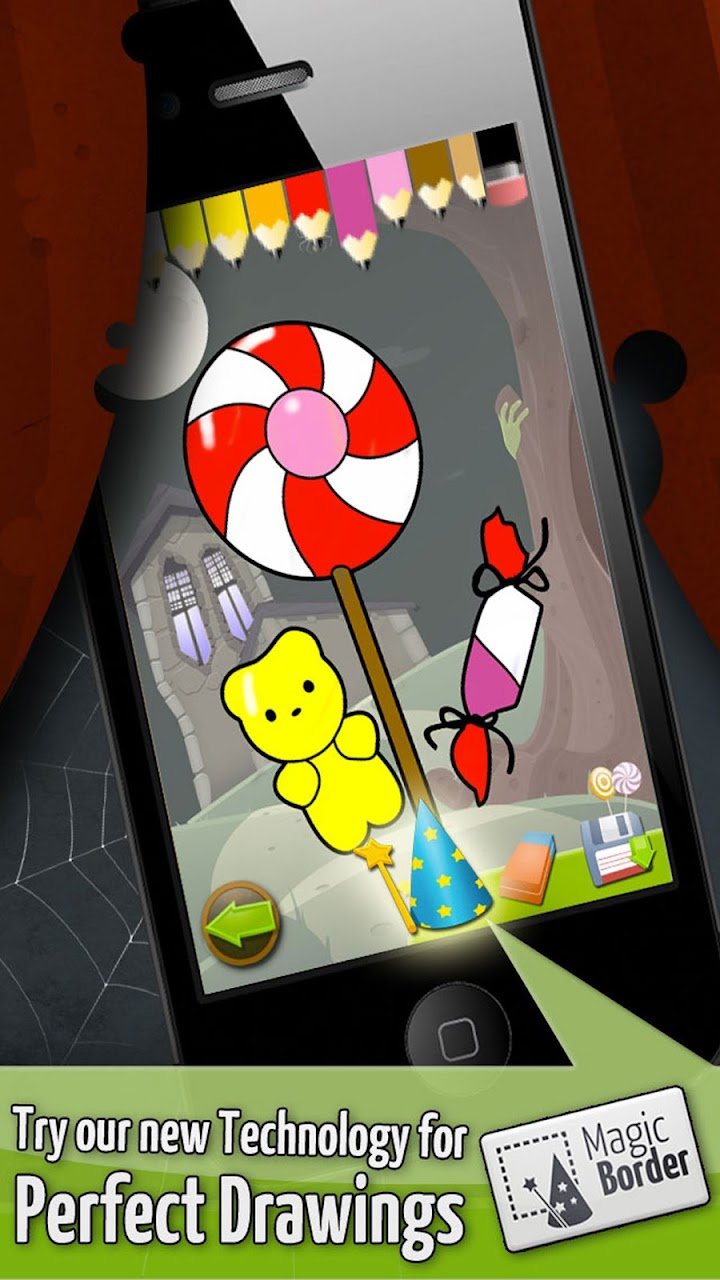
- Drawing and coloring book: Includes a feature called Magic Border technology, which the developers highlight.
- Paper toys: Kids can create paper toys using the game's Halloween characters.
- Shapes and colors: Activities that help children learn basic shapes and colors.
- Simple design: Built for children, with an intuitive layout.
Good to know: Features and content counts come from the developers' description and may change over time, so check the app store listing for the latest details.
Puzzles and Interactive Backgrounds
Puzzles are a classic way for young children to practice matching and problem-solving. Here, the puzzles come with sounds, and the backgrounds contain objects children can tap and explore. This turns each screen into a small discovery game rather than just a task.
Coloring and Paper Toys
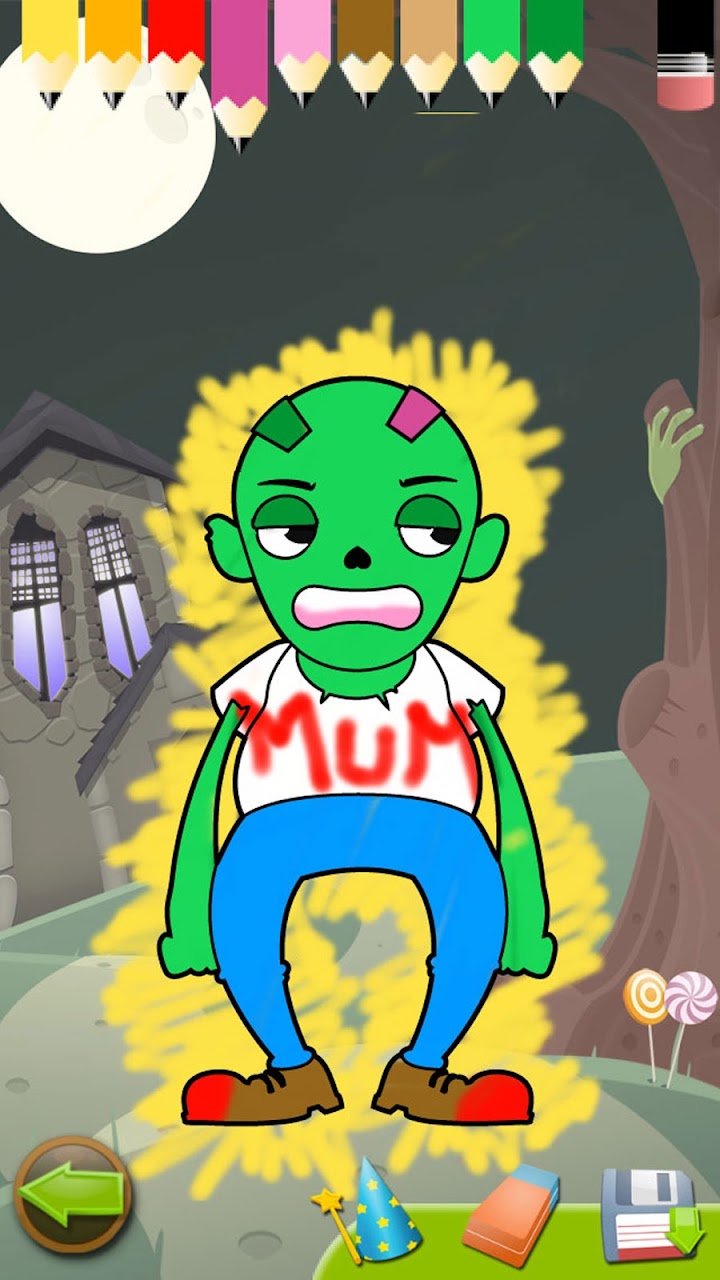
The coloring book lets children paint the game's characters, and the paper toy activity lets them create their own cutouts. These activities support creativity and fine motor skills. They are also a nice way to move from screen time to hands-on play if you print or build the toys.
Shapes and Colors Learning
The developers say the shapes and colors activities are made for children as young as 0 to 3 years. Parents should use their own judgment about screen time for very young toddlers. Playing together and talking about the colors and shapes makes the experience more valuable.
MagisterApp Plus and Child Safety
MagisterApp also offers a subscription called MagisterApp Plus, which gives access to all of its games. According to the company, it includes more than 50 games, no ads, a 7-day free trial, and the option to cancel anytime. The company also says its apps contain no third-party advertising, which is a big plus for parents who worry about unsuitable ads.
What Parents Should Check
- Read the privacy policy and terms of use before installing.
- Check the store listing for in-app purchases and subscription details.
- Review how to cancel a free trial before starting it.
- Set up parental controls on your device if your child plays alone.
How to Get Started
- Download the game from your device's app store.
- Start with the free puzzles and paper toys.
- Sit with your child for the first few sessions.
- Let them explore sounds and interactive objects in the background.
- Try the coloring activities once they are comfortable with puzzles.
- Decide later whether to upgrade to the full version.
Tips for Parents
Play together whenever you can. Ask questions like "What color is this pumpkin?" or "Which shape fits here?" to turn the game into a learning moment. Keep sessions short, and balance screen time with offline play such as reading, drawing, or outdoor activities.
Common Mistakes to Avoid
- Leaving very young children to play alone for long periods
- Skipping the free version and buying before testing
- Forgetting to cancel a free trial if you do not want to subscribe
- Using the game as the only learning activity
Pros and Cons
Pros
- Friendly Halloween theme for young children
- Mix of puzzles, coloring, and paper toys
- Free version available for testing
- No third-party ads, according to the company
Cons
- Free version has limited content
- Seasonal theme may feel less relevant outside Halloween
- Subscription details need careful review
Frequently Asked Questions
What age is the game designed for?
The developers say it is designed for toddlers, preschoolers, and kindergartners.
What is included in the free version?
The free version includes 4 puzzles and 4 paper toys. The full version has 16 puzzles and lets children color all the figures.
Does the game have ads?
According to the company, MagisterApp does not use third-party advertising. It is still smart to check the store listing for current details.
What is MagisterApp Plus?
It is a subscription that gives access to all MagisterApp games, with no ads, a 7-day free trial, and cancellation at any time, according to the company.
Final Thoughts
This Halloween kids game offers a gentle, creative way for young children to enjoy the season. With puzzles, coloring, and paper toys, it supports early learning without frightening themes. Try the free version first, play together when you can, and keep screen time balanced. A little spooky fun can be both safe and educational.