
- Developer
- Ramble HQ
- Installs
- 50K+
- Downloads
- 0
- Views
- 12
- Updated
- Oct 15, 2026
Screenshots
About Ramble
Imagine watching a big game or the latest episode of your favorite show, and being able to chat about it live with the people who actually know the topic. That is the idea behind Ramble, an app that reimagines the group chat for communities of any size. Instead of shouting into a crowded feed, you join a space built around a show, team, or subject you love. Here is a clear look at how it works, who it is for, and what to expect.
What Is the Ramble App?
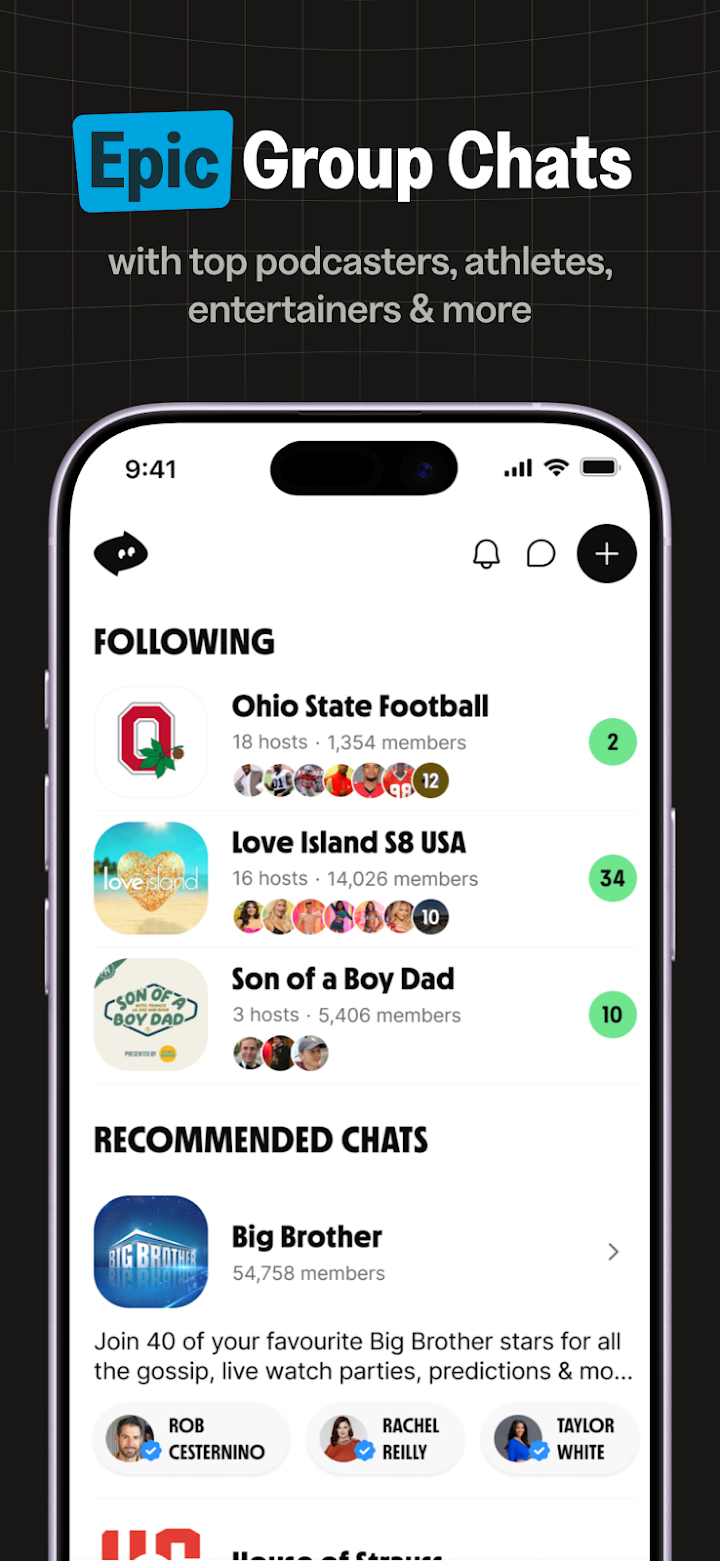
Ramble is a group chat app designed for fans, creators, and communities. According to the company, it lets hosts run chats around topics like sports, reality TV, podcasts, tech, and more, while members join the conversation in real time. The app was previously known as ChatBCC, so you may see both names when searching online.
Who Is It For?
Ramble is meant for two groups: fans who want to be closer to the conversation, and creators who want a home for their audience. If you like reacting to episodes or games as they happen, it may suit you. If you run a podcast, show, or community, it offers tools to organize and grow it.
How Does Ramble Work?
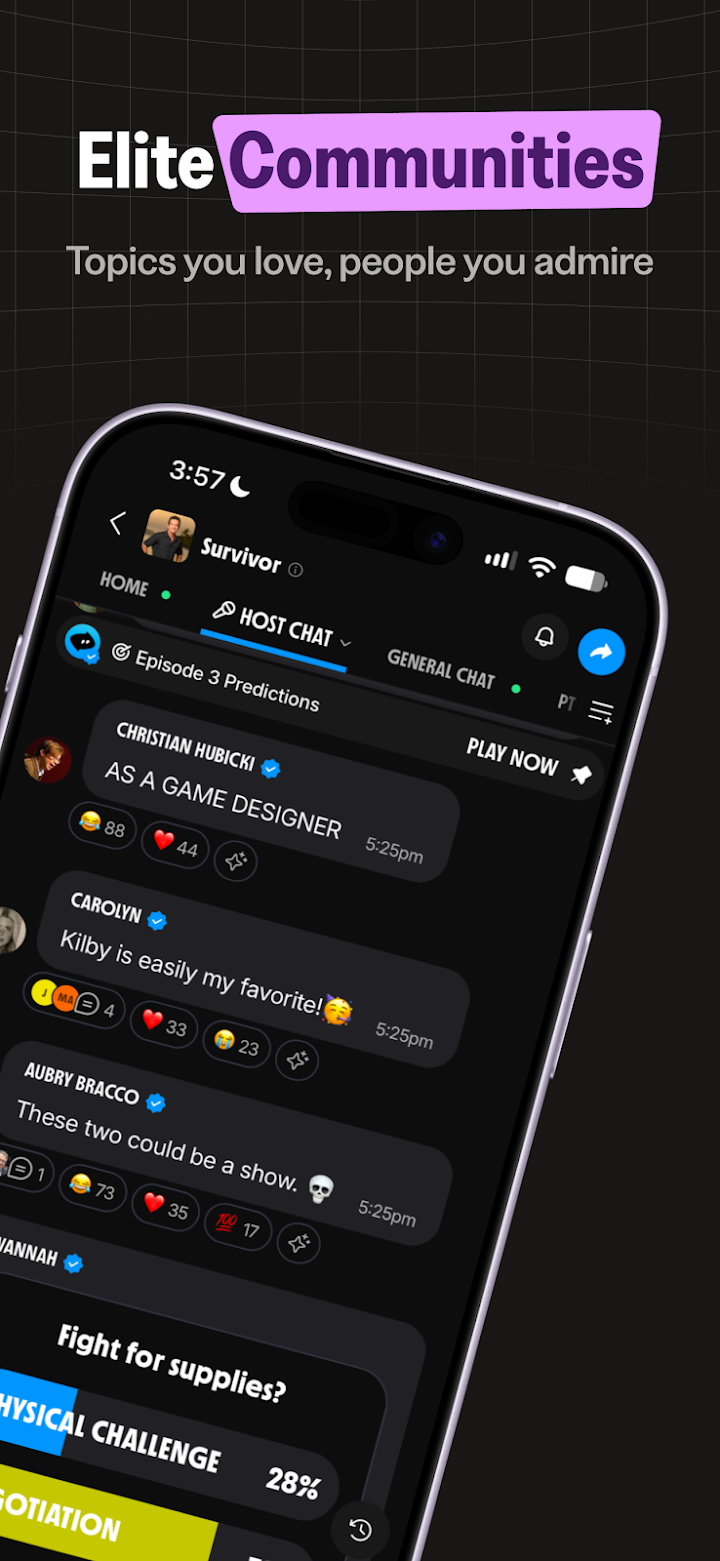
Ramble splits the experience between hosts and members. Hosts post in the main chat and can go live on video, while members respond, react, and chat with each other in separate spaces. This structure keeps the main conversation focused while still giving everyone a place to speak.
Hosts Hold the Mic
In the main chat, only hosts can post. That gives members a feel for insider commentary, such as live game breakdowns or episode recaps, without the noise of a free-for-all. Hosts can also go live on video to share reactions and recaps.
Members Drive the Conversation
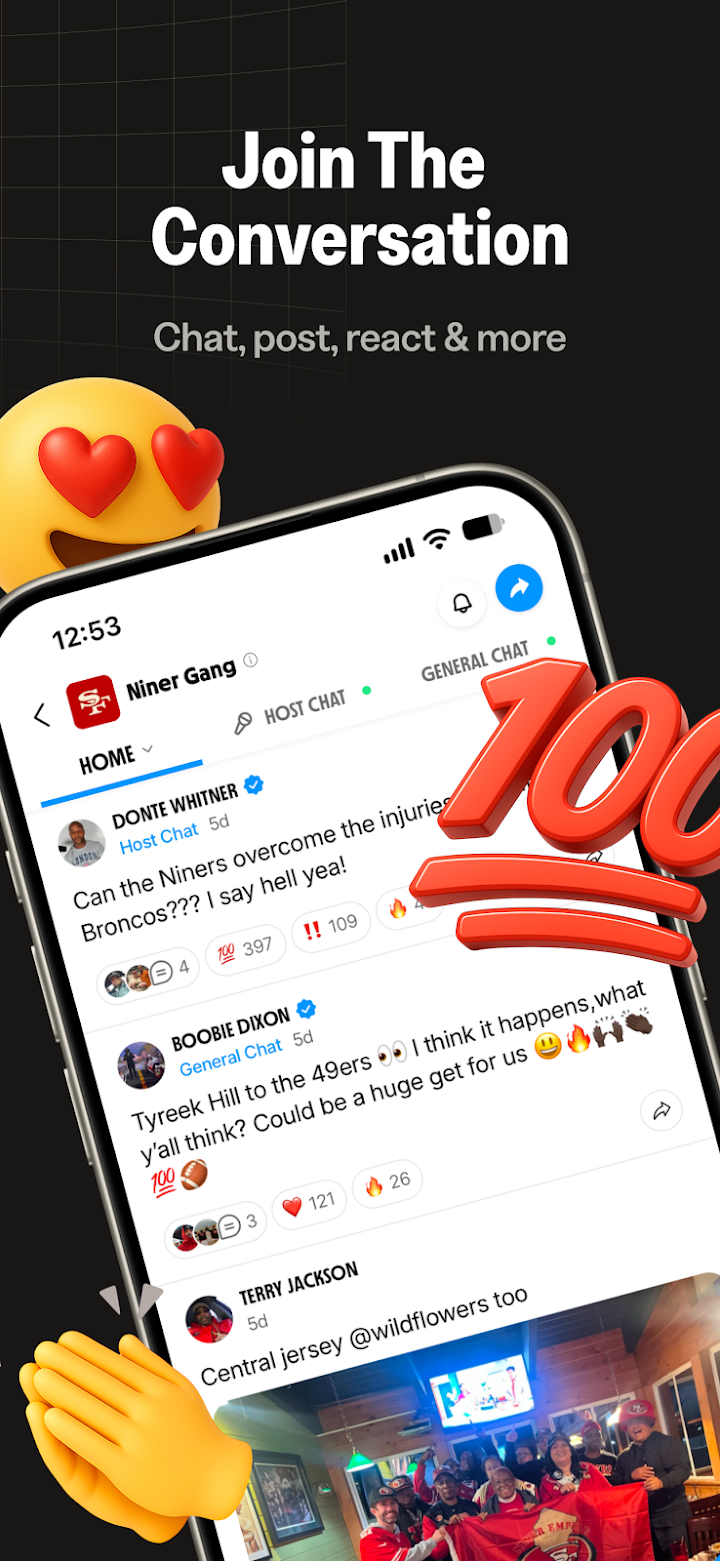
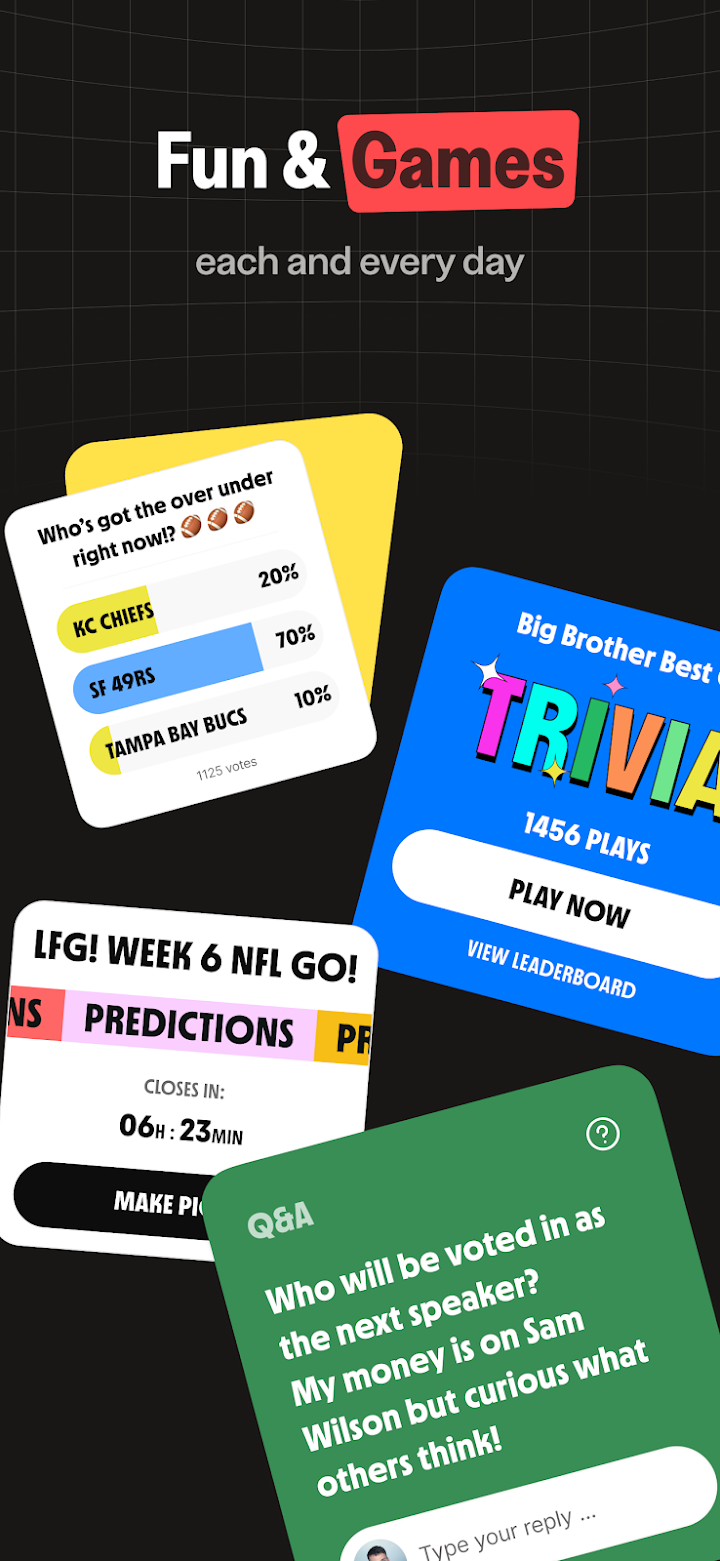
Members are not just spectators. You can comment and react on hosts' messages, chat with others in open channels and discussion boards, and join live spaces and chat events. There are also weekly trivia and prediction games, polls, and AMAs to keep things interactive.
You Dive In
Getting started is simple. You can find and follow group chats that match your interests, or start your own if you have something to share. That flexibility lets Ramble work for casual fans and serious community builders alike.
Key Features of Ramble
- Host-led group chats with insider commentary
- Open channels and discussion boards where members chat around the clock
- Live spaces and video recaps from hosts
- AMAs, polls, trivia, and prediction games for engagement
- Comments and reactions on hosts' messages
- Tools for creators to grow, engage, and monetize their audience
Good to know: The company says Ramble avoids algorithm-driven feeds and aims to keep conversations friendly, but your experience will still depend on each community and its moderators.
What Kinds of Group Chats Are There?
Ramble covers a wide range of interests. Popular categories include sports, reality TV, podcasts, tech and startups, comedy, politics, health and fitness, real estate, movies and pop culture, finance and crypto, science, college life, parenting, and local community chats. If you are into something more niche, the company says there is room for that too.
Example: Following a Sports Chat
Picture following a team's group chat on game night. The host shares live analysis as the match unfolds, you react to the big plays, and other members debate the referee's decisions in the open channel. After the final whistle, a weekly prediction game keeps the conversation going into the next match.
Ramble for Creators and Partners
Creators can use Ramble as a home base for their community, with daily engagement, live event chats, and tools for growth. The company states that more than 90 percent of ad and fan revenue is shared with creators, and that they own their audience without algorithms limiting reach. It describes the platform as something like a more interactive, easier-to-run alternative to a podcast.
Things Creators Should Consider
Before committing, review the terms of use and check how revenue sharing and monetization work in practice. Think about how much time you can dedicate to hosting, since active communities need regular posts and events. A clear posting schedule helps members know when to show up.
How to Get Started With Ramble
- Download the Ramble app and create your account.
- Browse group chats by topic and follow the ones that interest you.
- Read the hosts' messages and add comments or reactions.
- Join open channels to talk with other members.
- Take part in live spaces, trivia, and prediction games.
- If you are a creator, start your own group chat and invite your audience.
Pros and Cons
Pros
- Focused, host-led conversations with insider feel
- Interactive features like polls, AMAs, and games
- Wide range of topics for different interests
- Tools for creators to build and monetize communities
Cons
- Quality depends on the host and community you join
- Only hosts can post in the main chat, which may feel limiting to some
- Newer platforms may have smaller communities than established social networks
Frequently Asked Questions
What is Ramble?
Ramble is a group chat app for communities, where hosts lead conversations about topics like sports, TV, podcasts, and more, and members join in through comments, channels, and live events.
Was Ramble previously called something else?
Yes. According to the app listing, Ramble was formerly known as ChatBCC.
Can anyone post in the main chat?
No. In the main chat, only hosts can post. Members can comment and react, and they can chat freely in open channels and discussion boards.
Can I start my own group chat?
Yes. The app lets you start your own group chat and gather your community, which is especially useful for creators and podcasters.
Final Thoughts
Ramble offers a different take on social apps by putting hosts and focused communities at the center. For fans, it means closer access to the conversation. For creators, it offers a place to build an audience with interactive tools. If you enjoy live discussion and want a more organized alternative to a busy feed, it is worth exploring, one group chat at a time.