- Developer
- AppberrySoft
- Installs
- 1K+
- Downloads
- 1
- Views
- 12
- Updated
- Oct 16, 2026
Screenshots
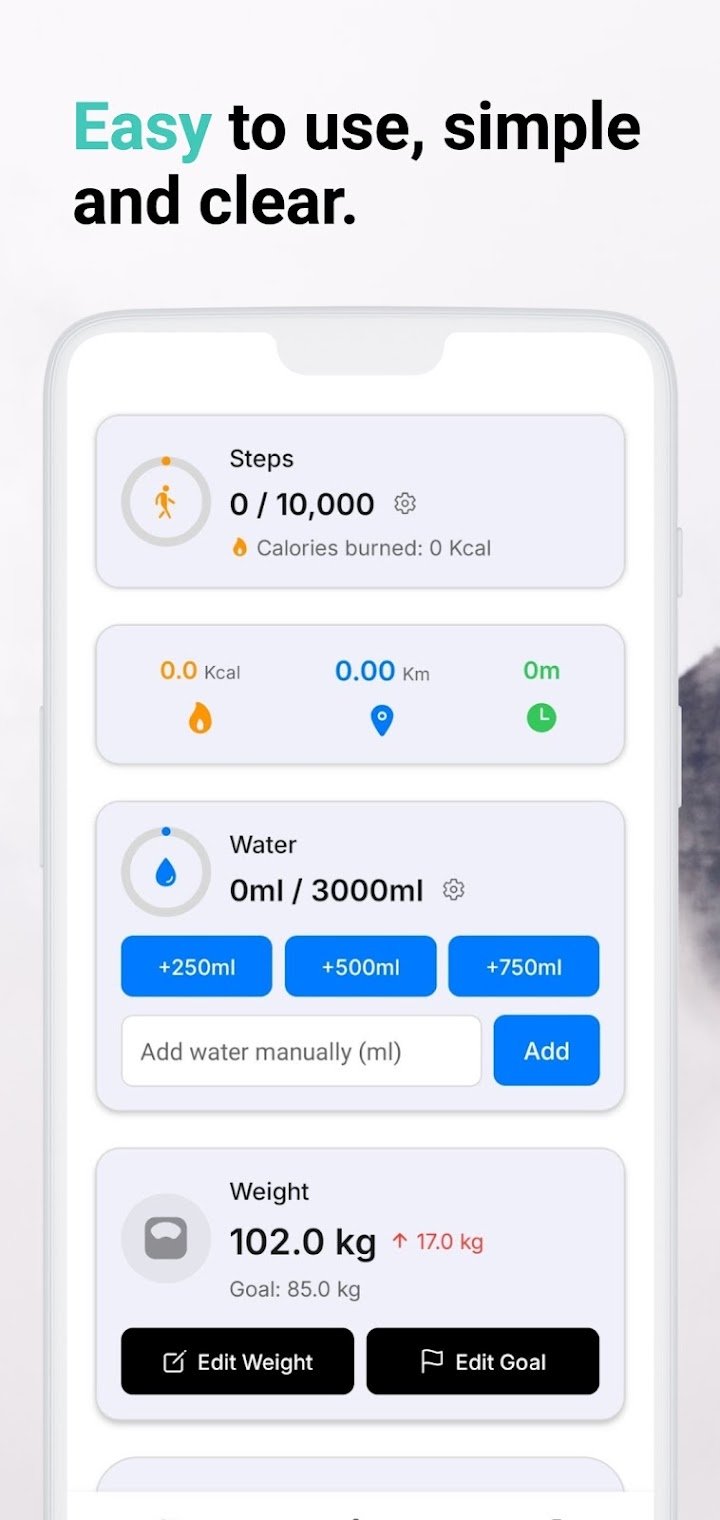
About Step Counter - Pedometer
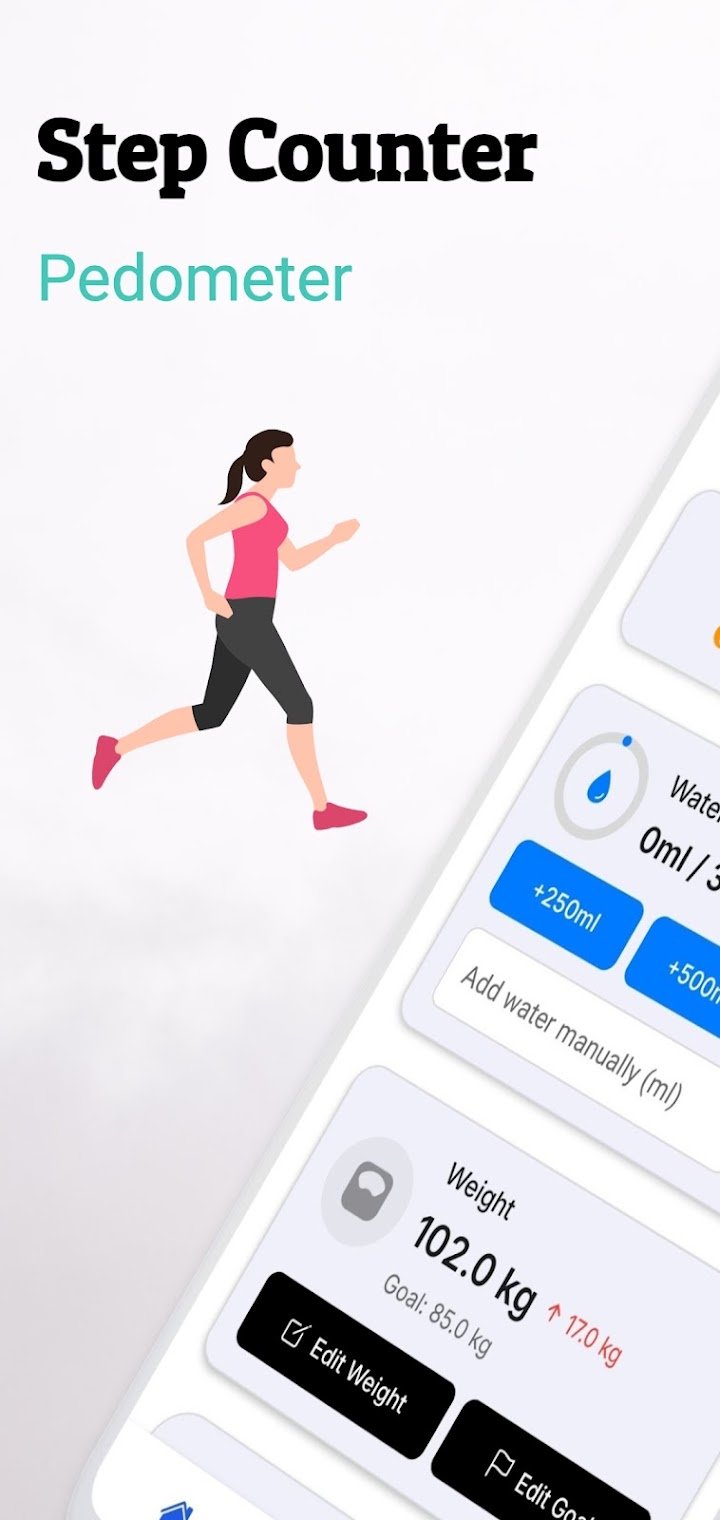
Walking is one of the simplest habits you can build, but it is easier to stick with when you can see your progress. That is where a step counter app comes in. Step Counter – Pedometer turns your phone into a basic walking tracker that records steps, estimated calories, and distance. This guide explains how it works, what features it offers, and how to use it to build a steadier daily routine.
What Is Step Counter – Pedometer?
Step Counter – Pedometer is a free app that tracks your daily steps using your phone's built-in motion sensors. According to the developers, it also helps you monitor calories burned and walking distance in real time. It is designed for people who want a simple way to stay active without learning a complicated fitness platform.
Who Is It For?
The app is aimed at walkers, fitness beginners, and anyone who wants to build a healthier daily routine. It can also suit people who track steps as part of a weight-loss plan or lifestyle change. Because the interface is meant to be simple, it works for people who are not very comfortable with technology.
How Does a Pedometer App Work?
A pedometer app counts steps by reading data from your phone's motion sensors, such as the accelerometer. Each time you take a step, the sensor picks up a small movement pattern, and the app adds it to your daily total. Since it does not rely on GPS, it can count steps indoors and outdoors with less drain on your battery.
Why No GPS Matters
GPS can use a lot of battery and may raise privacy concerns because it tracks your location. The app says it works without GPS, which means lower battery usage and better privacy. The trade-off is that distance and calorie figures are estimates based on your steps rather than a mapped route.
Key Features
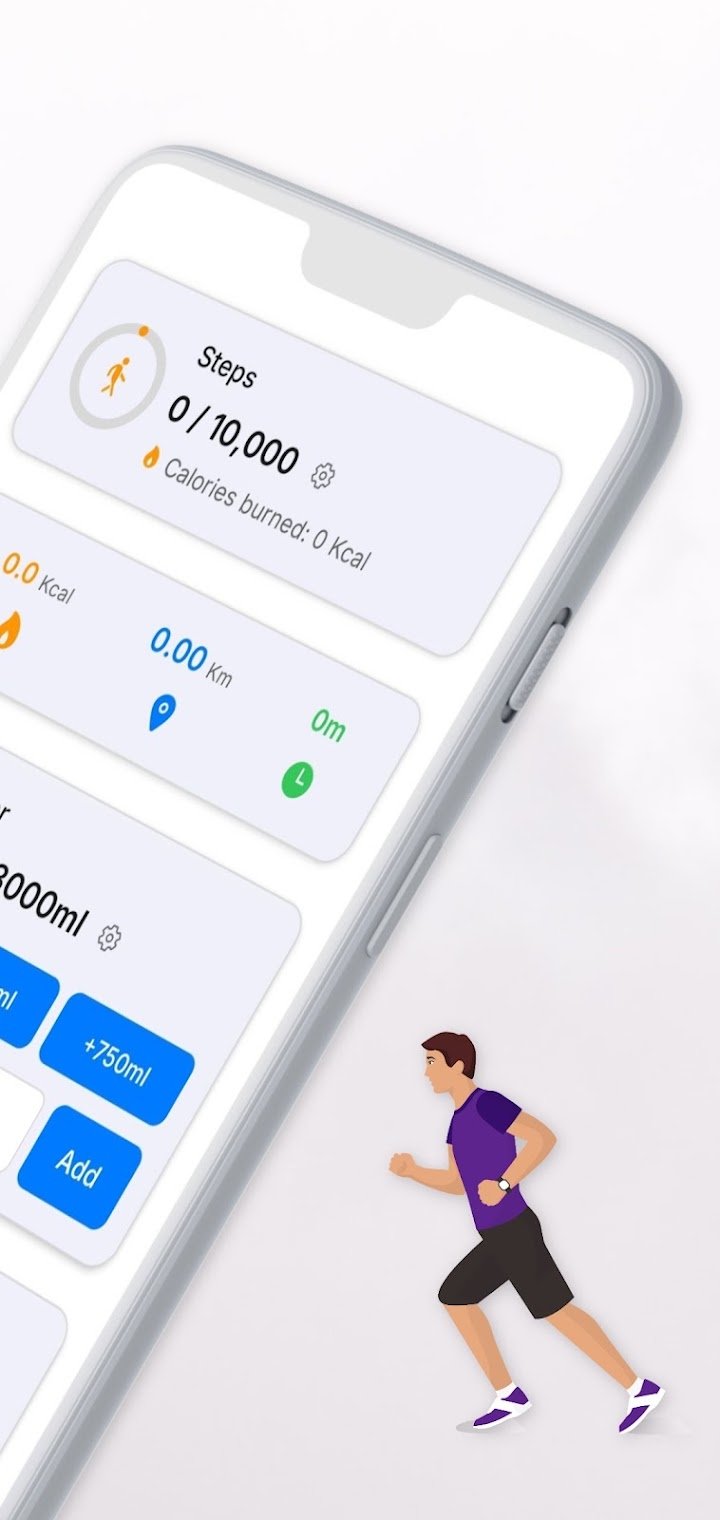
- Automatic step tracking: Counts your steps throughout the day.
- Calories burned: Shows an estimate based on your activity.
- Walking distance: Measures how far you have walked.
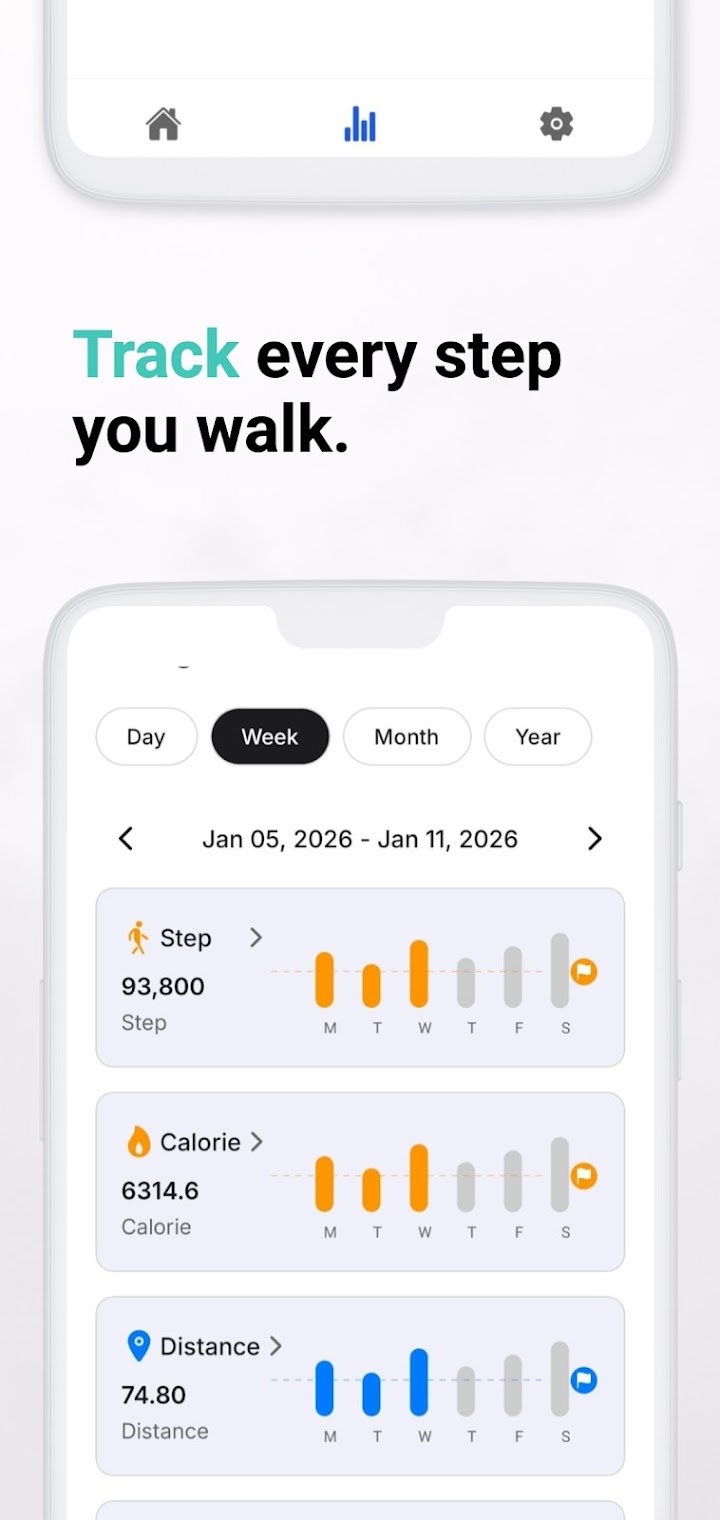
- Daily progress view: Helps you see how close you are to your goals.
- Offline tracking: Works without an internet connection.
- Battery-friendly design: Aims to use minimal battery because it avoids GPS.
- Simple interface: Open the app and start tracking, with no complicated setup.
Good to know: Step counts and calorie numbers from phone apps are estimates. They are helpful for tracking habits, but they are not medical measurements.
Privacy-Focused Design
According to the app description, you do not need to register an account, and the app does not collect or share personal data. That is a big plus if you prefer a lightweight tool without sign-ups. As with any app, it is still smart to review the permissions and privacy policy on the store listing.
How to Use the App Step by Step
- Download Step Counter – Pedometer from your device's app store.
- Open the app and allow any permissions needed for activity tracking.
- Carry your phone as you normally would, in a pocket, bag, or hand.
- Check your steps, distance, and calories during or at the end of the day.
- Review your progress and adjust your daily goal as you build the habit.
Tips to Get Better Results
Consistency matters more than perfection. Keep your phone with you during walks and daily movement, so the app can record your steps. Start with a goal that feels realistic, then increase it gradually as your routine improves.
Simple Ways to Add More Steps
- Take short walks after meals
- Choose stairs when it is convenient
- Park a bit farther from your destination
- Walk while making phone calls
Common Mistakes to Avoid
- Leaving the phone on a desk and expecting it to count steps
- Treating calorie numbers as exact
- Setting a goal that is too high and getting discouraged
- Ignoring your own comfort and health limits
Pros and Cons
Pros
- Free and simple to use
- No GPS needed, which helps save battery
- Works offline
- No account registration, according to the developers
Cons
- Calorie and distance values are estimates
- Needs your phone on you to count steps
- Does not map your walking routes without GPS
Frequently Asked Questions
Is Step Counter – Pedometer free?
Yes, the app is described as free to use. Check the store listing for any ads or in-app purchases.
Does the app need GPS?
No. It uses your phone's built-in motion sensors to count steps, so GPS is not required.
Do I need to create an account?
According to the app description, no registration is required, and the app does not collect or share personal data.
Can it track calories and distance?
Yes. It shows estimated calories burned and walking distance, along with your daily step progress.
Final Thoughts
Step Counter – Pedometer keeps things simple, which is exactly what many people need when starting a walking habit. With automatic tracking, offline use, and a privacy-friendly approach, it makes it easy to see how active you are each day. Use it as a motivational tool, set realistic goals, and let small, steady steps add up over time.