- Developer
- Cisco Systems, Inc.
- Installs
- 100+
- Downloads
- 1
- Views
- 11
- Updated
- Oct 17, 2026
Screenshots
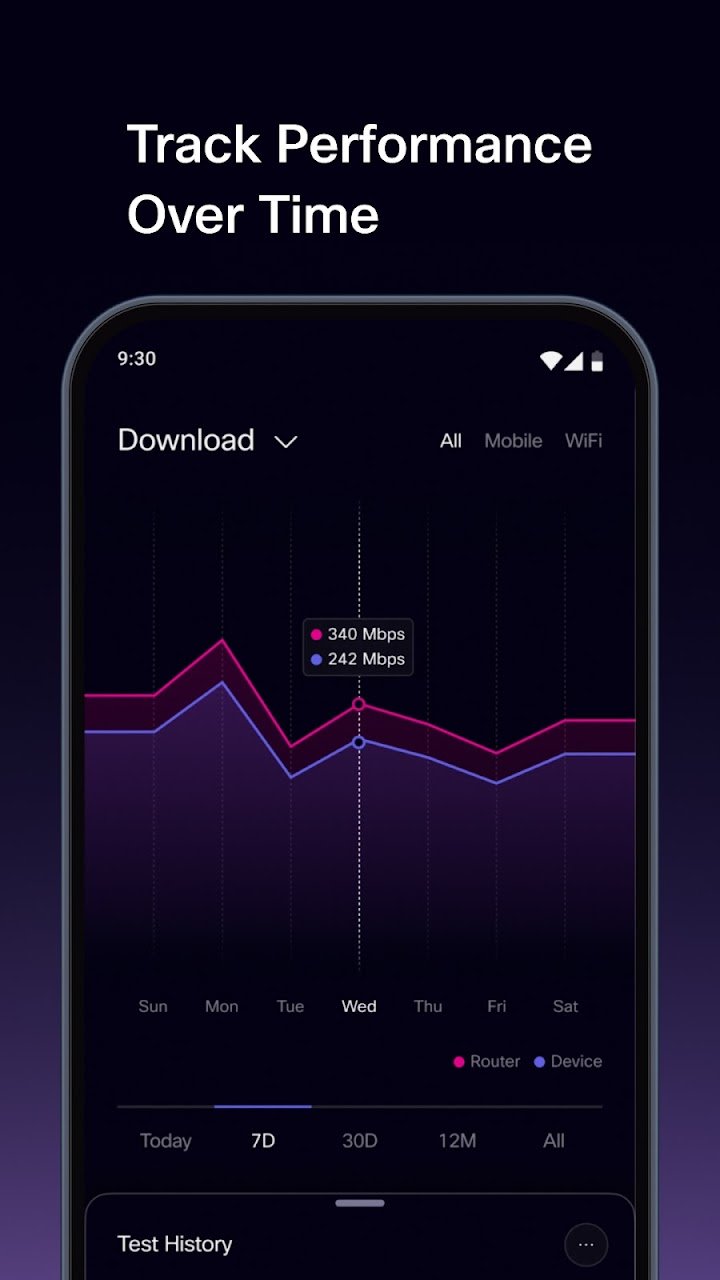
About Cisco Real Speed
Slow internet is frustrating, but finding the cause can be even harder. Is the problem your broadband, your router or the WiFi signal in your home? Cisco Real Speed helps you find out. This free app from Cisco gives you a clear and accurate view of your internet connection and WiFi performance, so you can see what is really happening instead of guessing. It contains no ads, and it goes beyond a basic speed test by measuring several key factors that shape your online experience.
What Is Cisco Real Speed?
Cisco Real Speed is a network testing app that measures how well your connection performs. It tracks download and upload speeds, latency, jitter, packet loss and web browsing performance. Together, these results paint a fuller picture than speed alone, because a connection can look fast on paper and still feel slow when video calls stutter or web pages take too long to load.
What the App Measures
- Download speed: How quickly data reaches your device, which matters for streaming and downloads.
- Upload speed: How fast you can send data, which matters for video calls and sharing files.
- Latency: The delay before data starts to move, which affects how responsive your connection feels.
- Jitter: Variation in that delay, which can cause choppy calls and gaming lag.
- Packet loss: Data that fails to arrive, which can break up audio and video.
- Web browsing performance: How well pages load in everyday use.
See Where Performance Is Lost
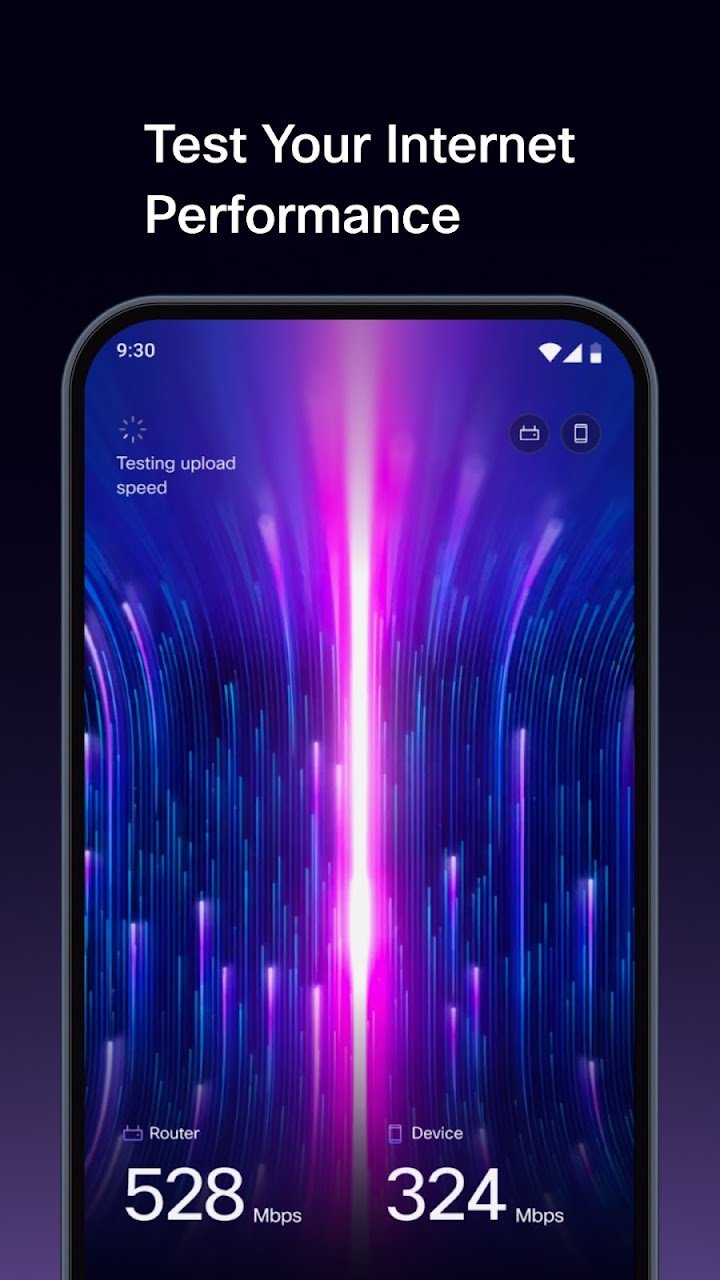
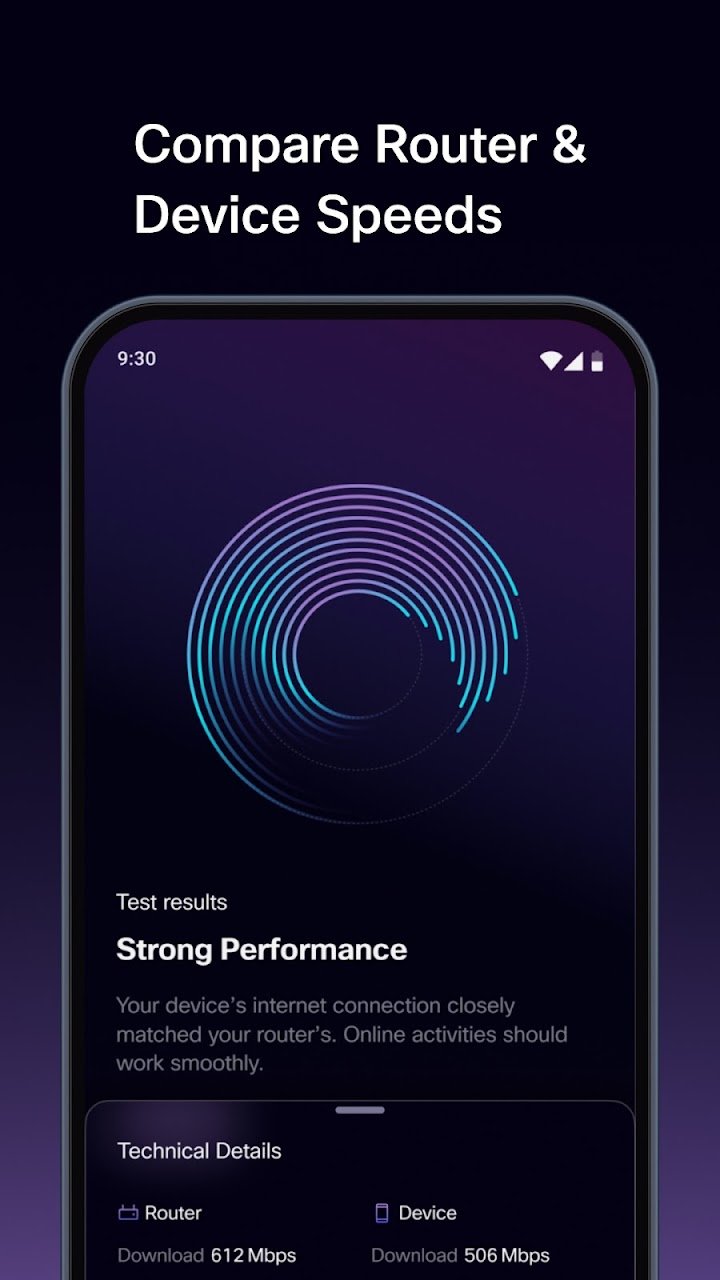
One of the most useful features is the router and device comparison. On millions of compatible broadband connections worldwide, Cisco Real Speed can compare the speed delivered to your router with the speed your device receives over WiFi. This two-step view shows exactly where performance drops. If the router receives a strong signal but your phone gets much less, the issue is likely your WiFi. If the speed is low at the router already, the cause may be your broadband service.
Support for more routers and broadband providers keeps expanding. Please note that this comparison requires a compatible router and is not available on every network.
Schedule Background Tests on Android
Some problems appear only at certain times of day. On Android, you can schedule recurring tests that run in the background, even when you are not using the app. This can help reveal intermittent problems and longer-term trends that a single test might miss. It is a practical way to gather evidence if you want to understand how your connection behaves over days or weeks.
Track Trends and Export Your History
The app lets you track trends by network and location, so you can compare results at home, at work or elsewhere. When you need to share your findings, you can export your test history. Having clear records is helpful when you want to discuss ongoing issues with your internet provider or simply keep an eye on how your service is performing.
Control Your Mobile Data Usage
Speed tests use data, so the app includes an option to set a mobile data limit for tests. This helps you avoid using more of your mobile plan than you intended while still testing your connection when you need to.
Key Features at a Glance
- Measure speed, latency, jitter, packet loss and web browsing performance.
- Compare router and device speeds when supported.
- Track trends by network and location.
- Export your test history.
- Set a mobile data limit for tests.
- Schedule recurring background tests on Android.
- Free to use, with no ads.
Who Will Benefit from This App?
Cisco Real Speed is useful for anyone who depends on a stable connection. Remote workers can check whether their setup is ready for video meetings. Families can find out why streaming slows down in certain rooms. Gamers can look at latency and jitter. Anyone who has ever wondered whether they are getting the speed they pay for can use the app to see how their connection performs in real conditions.
Tips for Better Test Results
- Test in different rooms. WiFi strength can change a lot from one spot to another.
- Test at different times. Scheduled background tests on Android can capture busy periods automatically.
- Compare router and device results. Use the two-step comparison, when supported, to find where speed is lost.
- Look beyond speed. Check latency, jitter and packet loss if calls or games feel unreliable.
- Keep records. Export your history so you can spot patterns over time.
Frequently Asked Questions
Is Cisco Real Speed free?
Yes. The app is free to use and contains no ads.
What does it test besides speed?
It also measures latency, jitter, packet loss and web browsing performance.
Can it compare my router and WiFi speeds?
Yes, on compatible connections. The comparison needs a compatible router and is not available on every network.
Can I run tests automatically?
Yes, on Android you can schedule recurring background tests.
Can I limit how much mobile data tests use?
Yes. You can set a mobile data limit for tests.
Can I save my results?
Yes. You can export your test history.
Get a Clearer View of Your Connection
Ready to stop guessing about your internet performance? Download Cisco Real Speed, run a test and see how your connection really performs, from your router all the way to your device. 📶