
- Developer
- AppberrySoft
- Installs
- 5K+
- Downloads
- 1
- Views
- 12
- Updated
- Oct 16, 2026
Screenshots


About Phone Cleaner – AI Cleaner
Few things are more annoying than trying to take a photo and seeing the "storage full" message. Over time, phones fill up with cached data, duplicate pictures, big videos, and files you forgot you even had. A storage cleaner app can help you sort through the clutter. This guide explains how the Phone Cleaner app works, what its main tools do, and how to use it responsibly.
What Is the Phone Cleaner App?
Phone Cleaner is a storage management app that helps you free up space by finding and removing unnecessary files. It offers tools for clearing junk, spotting duplicate photos, compressing large files, and reviewing what is taking up room. A key point is that the app gives recommendations only, and you decide what to delete.
Who Is It For?
The app suits anyone whose phone is nearly full or whose gallery has become messy. It is especially helpful if you take lots of photos, download many files, or simply have not cleaned your phone in a long time. Its simple layout also makes it friendly for people who are not very technical.
How Does Phone Cleaner Work?
The app scans your phone for files that may be unnecessary and shows the results in an organized way. You can then review the suggestions and choose which items to remove. Because nothing is changed automatically, you keep full control over your photos, files, and data.
AI-Based Recommendations
The smart suggestions feature highlights files that may be safe to delete, such as clutter you probably no longer need. These are only recommendations, not final decisions. Taking a moment to double-check each suggestion helps you avoid deleting something important by mistake.
Key Features of Phone Cleaner
- Junk file cleaner: Removes temporary files and app cache to free up space.
- Smart suggestions: AI-based tips on files that may be unnecessary.
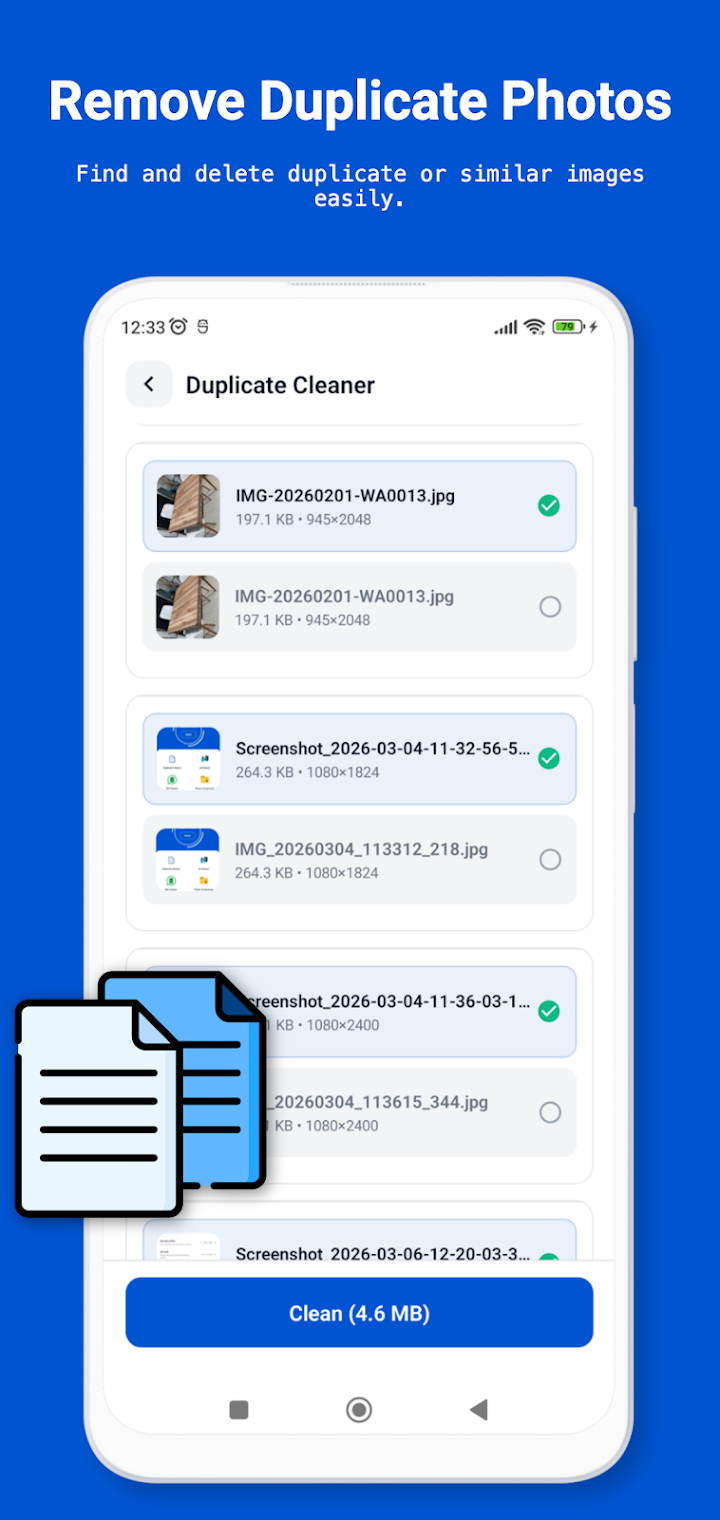
- Duplicate photo remover: Finds duplicate or similar photos so you can tidy your gallery.
- File compressor: Shrinks large photos and files to save storage.
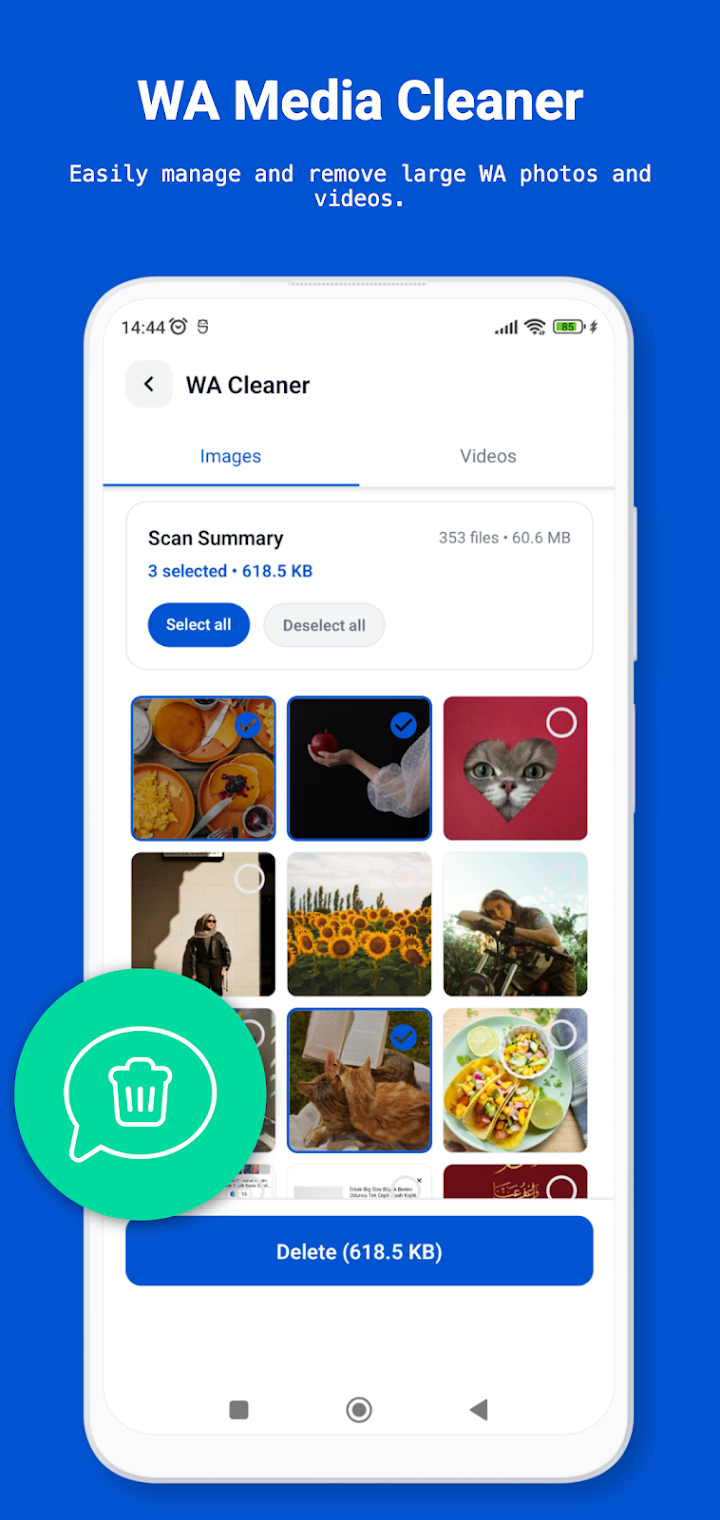
- Storage analyzer: Shows what is using your space and highlights large or unused files.
Good to know: According to the app's own note, it does not claim to improve device performance or battery life. Its purpose is storage management only.
Junk File Cleaner
Temporary files and app cache build up quietly as you use your phone. Clearing them can recover a surprising amount of space, especially if you use many apps. Remember that cache may rebuild over time, so occasional cleaning works better than a one-time fix.
Duplicate Photo Remover
Burst shots, screenshots, and repeated saves can leave your gallery full of near-identical images. The duplicate remover helps you find them so you can keep the best version. Always preview similar photos before deleting, since two images may look alike but still mean different things to you.
File Compressor and Storage Analyzer
The compressor reduces the size of large photos and files, which is useful when you want to keep them but need more room. The storage analyzer then shows where your space is going and points out large or unused files. Together, they give you a clear picture of what to keep, shrink, or remove.
How to Free Up Space Step by Step
- Install the Phone Cleaner app from your device's app store.
- Open the storage analyzer to see what is using the most space.
- Run the junk file cleaner to clear temporary files and cache.
- Check the duplicate photo remover and review similar images carefully.
- Read the smart suggestions and decide which files you actually want to remove.
- Compress large photos or files that you want to keep.
Tips for Better Storage Management
Cleaning is easier when it becomes a habit. Set a reminder to review your storage once a month, and back up important photos to a cloud service or computer before deleting anything. Pay special attention to large videos and old downloads, since they usually take up the most space.
Common Mistakes to Avoid
- Deleting files without reviewing them first
- Removing photos you have not backed up
- Expecting a cleaner app to speed up your phone or extend battery life
- Ignoring large files that take up the most space
Pros and Cons
Pros
- Simple interface that is easy to understand
- Several storage tools in one app
- Recommendations only, so you stay in control
- Helps organize photos and media
Cons
- Suggestions still require your time to review
- Does not claim to boost performance or battery life
- Check the app store listing for ads or in-app purchases
Frequently Asked Questions
Does Phone Cleaner delete files automatically?
No. The app provides recommendations only, and you review and choose which files to remove.
Can it remove duplicate photos?
Yes. It can find duplicate or similar photos so you can clean up your gallery.
Will Phone Cleaner make my phone faster?
The app does not claim to improve device performance or battery life. It focuses on helping you free up storage space.
Can I compress files instead of deleting them?
Yes. The file compressor reduces the size of large photos and files, so you can keep them while saving space.
Final Thoughts
Phone Cleaner offers a straightforward way to take control of a crowded phone. With junk cleaning, duplicate detection, compression, and a storage analyzer, it covers the main causes of storage problems. Use its suggestions as a guide rather than a command, back up what matters, and you can clear space without the stress of losing something important.